Home › Guides › RAW vs JPEG on phone
RAW vs JPEG on Your Phone
Short answer: A JPEG is a finished picture your phone already decided on — sharpened, contrast-baked, 8-bit. A RAW (Apple ProRAW or Android DNG) is the sensor's full recording, so you decide the look later. RAW gives you far more room to recover highlights and shadows and shift white balance; the cost is bigger files and a develop step.
Every phone can shoot both, and the choice quietly decides how much your photo can be edited afterward. If you plan to grade, restore, or push a look at all, this is the first decision that matters — it sits right under developing RAW on your phone.
What a JPEG really is
When you tap the shutter in the default camera, the phone reads the sensor and then throws most of it away on purpose. It picks a white balance, bakes in contrast, sharpens, boosts saturation, and compresses the result down to 8 bits per channel. What you get is a small, good-looking, finished file.
- 8-bit — only 256 brightness steps per channel, which is fine until you start pushing.
- Baked decisions — the white balance and contrast are cooked in and hard to undo.
- Compressed — fine detail and subtle tonal transitions are discarded to save space.
For a photo you'll post as-is, that's genuinely a good deal. The problem only shows up when you try to edit hard: skies band, recovered shadows go blotchy, and a wrong white balance stays slightly wrong.
What RAW, ProRAW and DNG give you
A RAW file is the sensor's near-complete recording before the phone makes any of those calls. On iPhone it's Apple ProRAW; on Android it's a DNG. Both keep far more tonal information — typically 12 to 14 bits of it — and leave the creative decisions to you.
- Highlight and shadow headroom — detail that looks clipped in the JPEG is often still sitting in the RAW, waiting to be pulled back.
- Free white balance — you can re-choose the color temperature after the fact with no penalty, because it was never locked in.
- 16-bit editing — developed properly, a RAW gives you smooth gradients even under heavy grading, which is why 16-bit editing matters.
What it costs you
RAW isn't free, and it's worth being honest about the trade. A RAW frame is roughly 2–5× the size of the JPEG, so your library fills up faster — which is why it helps to manage RAW storage deliberately. RAW files also look flat and dull straight out of the camera, because nothing has been applied yet; they need a develop step before they shine. And shooting RAW can be a touch slower burst-to-burst on some phones.
Which should you shoot?
A simple rule: shoot RAW whenever the light is tricky or the photo matters, and JPEG when speed and space win. Sunsets, backlight, high contrast, low light, and anything you intend to grade all reward RAW. Quick snaps, screenshots, and photos of receipts don't. Many phones can even capture both at once, so you keep a ready-to-share JPEG and a RAW safety net from the same shot.
Doing it in Fimii
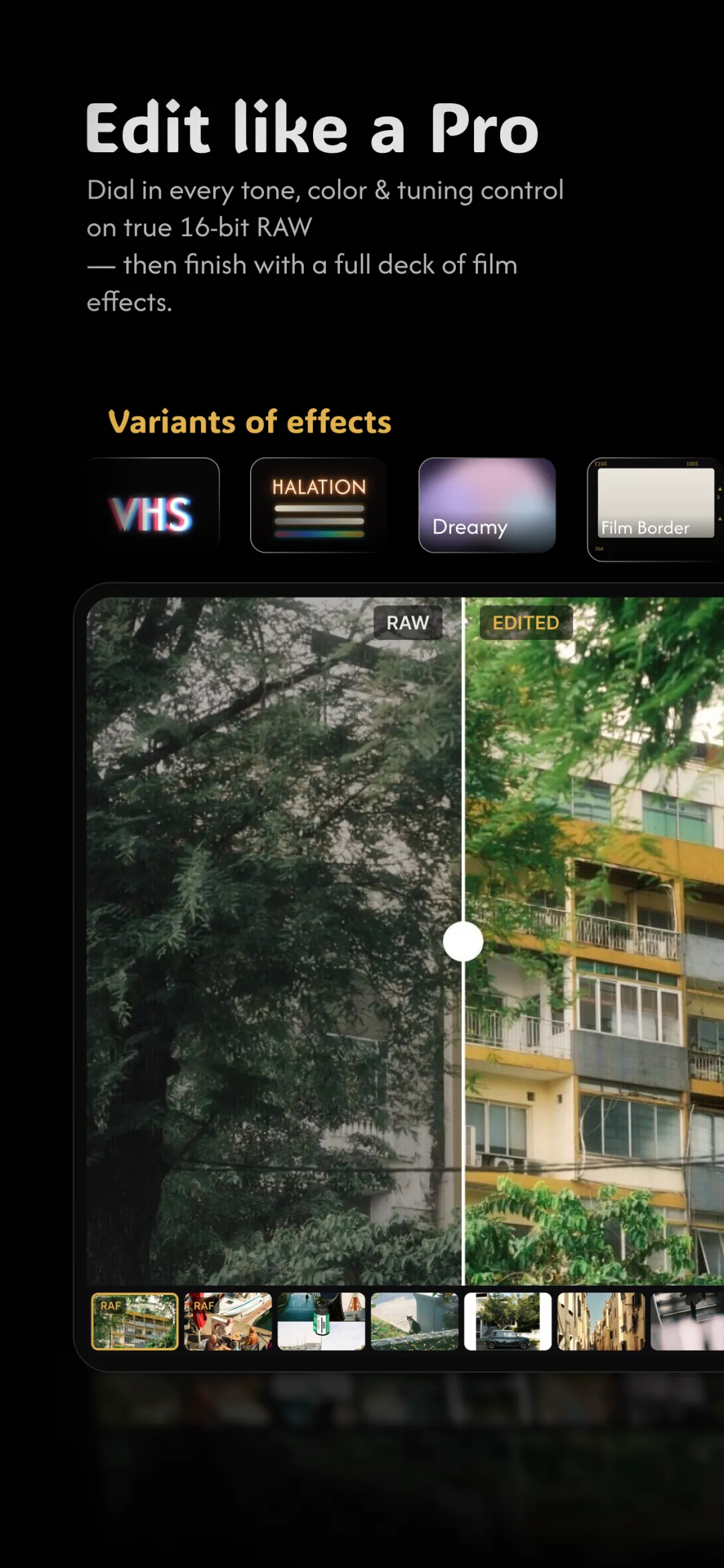
Fimii develops ProRAW and DNG files in true 16-bit, entirely on your phone and non-destructively — your original file is never overwritten. That means the full highlight and shadow range is there to work with, white balance is a free choice, and your tone curves and color grades stay clean instead of banding. If you're not already capturing RAW, start with how to shoot RAW on your phone, then bring the file straight into Fimii.
Mistakes to avoid
- Judging a RAW by its unedited preview. It's supposed to look flat — that flatness is headroom, not a flaw.
- Shooting RAW for everything. You'll drown in storage. Save it for shots worth developing.
- Editing the JPEG when a RAW exists. If you captured both, grade the RAW — that's the one with the latitude.
- Forgetting to back up. RAW files are your negatives; treat them like it.
Fimii develops your ProRAW and DNG files in true 16-bit, right on your phone — all the latitude, none of the banding. Free to download, one-time unlock, no subscription.
Get Fimii — free to download