Home › Guides › Why 16-bit editing matters
Why 16-Bit Editing Matters
Short answer: Bit depth is how many brightness steps each color channel has. 8-bit gives 256 steps; 16-bit gives tens of thousands. When you push contrast, lift shadows, or grade, 8-bit runs out of in-between values and you get banding — ugly stripes in skies and skin. 16-bit has values to spare, so grades stay smooth.
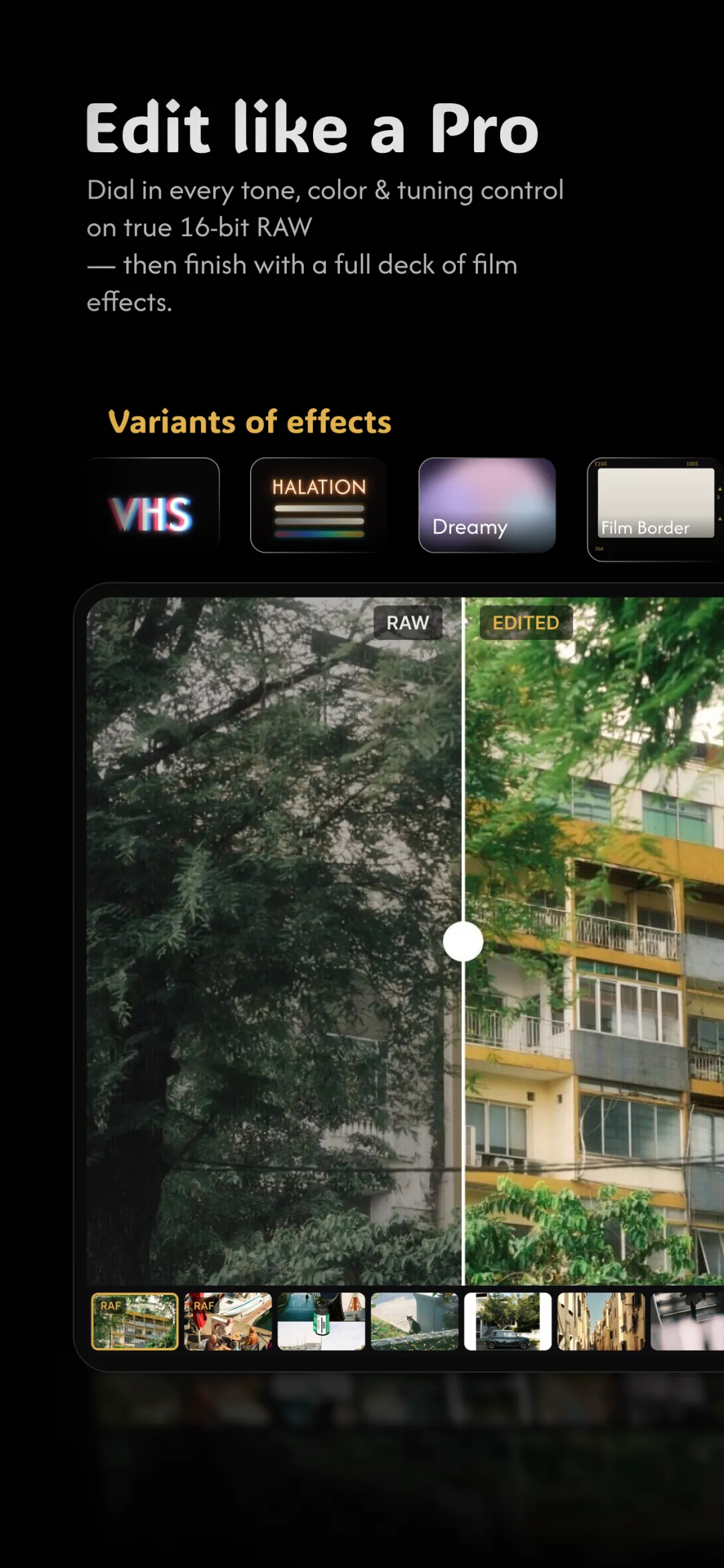
"16-bit" sounds like a spec-sheet number, but it's really about whether your edits stay clean or fall apart. It's the quiet reason a RAW file beats a JPEG the moment you start pushing tones — and the foundation under developing RAW on your phone.
What bit depth actually means
Every pixel stores a brightness value for Red, Green, and Blue. Bit depth is how many distinct values that channel is allowed to hold.
- 8-bit — 256 steps per channel (0–255). That's about 16.7 million colors total.
- 16-bit — 65,536 steps per channel, or trillions of possible colors.
16.7 million sounds like plenty, and for a photo you never touch, it is. The trouble is that editing spends those steps. Every push stretches a limited set of values across a wider range, and once you run out, there's nothing to fill the gaps.
What banding is, and why it happens
Banding is when a smooth gradient — a clear sky, a softly lit wall, a cheek in shade — breaks into visible stripes of flat color instead of a seamless blend. It happens because there aren't enough brightness steps left to describe the transition.
Picture a sky that uses values 100 to 120 in an 8-bit file — just 21 steps. Boost the contrast and you stretch those 21 steps to cover the range that should have 60. The editor can't invent the missing values, so it repeats each one, and you see bands. In 16-bit, that same sky had thousands of steps to begin with, so even an aggressive stretch still has values in between.
Where it bites in real edits
- Skies and gradients. The classic banding victim — blue skies show concentric rings.
- Skin in soft light. Gentle falloff across a face turns into patches.
- Faded and matte looks. Lifting the blacks with a tone curve compresses shadow tones — exactly where 8-bit is thinnest.
- Heavy color grades. Strong white balance or split-tone moves stretch channels unevenly, and 8-bit cracks first.
Why RAW and 16-bit belong together
A JPEG is already 8-bit, so it starts life with the ceiling in place. A RAW carries 12–14 bits straight off the sensor, and a proper develop pipeline works in 16-bit so nothing is thrown away while you edit. That's the whole point: the depth isn't there to make the final image look different at 100% — it's there so the image survives being pushed. You only notice 16-bit by the absence of the damage 8-bit would have shown.
Doing it in Fimii
Fimii develops your RAW files in true 16-bit and keeps the whole edit at that depth — curves, color wheels, HSL, white balance, film presets, all of it. So when you build a contrast S-curve or lift the blacks for a matte film look, the sky stays smooth and skin stays clean, with none of the striping that ruins an 8-bit push. It's the same reason recovering highlights and shadows from a RAW holds together where a JPEG would fall apart.
Mistakes and misconceptions
- Thinking 16-bit means "more colors on screen." Your display may be 8-bit; the benefit is headroom during editing, not a flashier preview.
- Editing an 8-bit JPEG hard and blaming the app. The banding was baked into the format, not caused by the editor.
- Exporting back to 8-bit too early. Do your heavy lifting in 16-bit, then export — not the other way around.
- Assuming you'll always see it. Banding often hides until you view large, on a good screen, or after compression — by then it's too late.
Fimii keeps your entire edit in true 16-bit, from RAW develop to final grade — so skies and skin stay band-free no matter how hard you push. Free to download, one-time unlock, no subscription.
Get Fimii — free to download