Home › Guides › Manage RAW storage
Managing RAW File Storage
Short answer: RAW files are big — roughly 2–5× a JPEG — but a little discipline keeps your phone breathing. Shoot RAW only when it matters, back up originals to the cloud or a drive, cull the misses weekly, and edit non-destructively so you never keep duplicate copies of the same photo.
The one real downside of RAW is size, and it's the reason some people avoid it entirely. That's a shame, because the fix is just a habit or two — not giving up the latitude that makes developing RAW on your phone worth it in the first place.
Why RAW files are so big
A JPEG is compressed and 8-bit; a RAW keeps far more data at 12–14 bits, so it simply weighs more. A phone ProRAW or DNG often lands around 25–75 MB, and a full-frame camera RAW can be larger still. That heft is the whole point — it's the extra information you draw on to recover highlights and shadows — but it does add up fast across a day of shooting.
Shoot RAW only when it earns its size
The biggest saving is deciding before you shoot. Reserve RAW for the frames that reward editing — tricky light, high contrast, keepers you'll grade — and let quick snaps stay JPEG. If your phone offers RAW + JPEG, it's handy, but remember you're now storing two files per shot; turn it off once you trust your RAW workflow. The full trade-off is laid out in RAW vs JPEG.
Back up your negatives
Treat RAW files like film negatives: the original is irreplaceable, so it should live in more than one place before you clear it off your phone.
- Cloud — automatic and off-device, but watch that it uploads full-resolution RAW, not a compressed copy.
- A computer or external drive — cheap per gigabyte and fully under your control.
- Two places, ideally. One backup is a single point of failure; two is peace of mind.
A simple keep-or-cull routine
Storage stays manageable when culling is a routine, not a rescue mission. Once a week, run through recent RAW shots and delete the obvious misses — the blinks, the blurs, the near-duplicates. Keep the best frame of a burst and let the rest go. A few minutes regularly beats a panicked mass-delete when the phone warns you it's full.
Doing it in Fimii
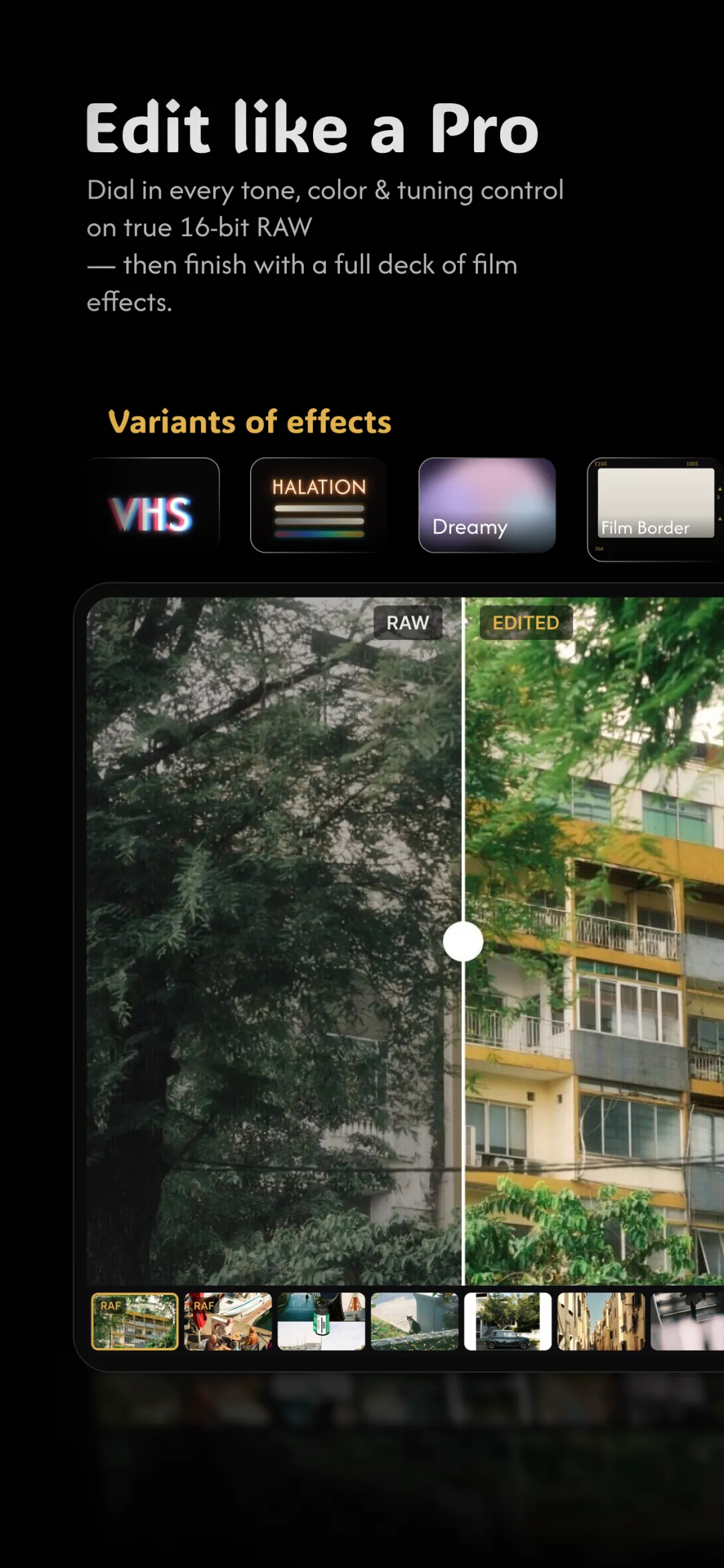
Fimii edits your RAW non-destructively — it never overwrites or duplicates the original file to save your work, so you're not silently doubling storage every time you edit. You develop the same RAW you shot, in true 16-bit, and export a finished JPEG only when you actually want to share one. That keeps your library lean: one negative, many looks, no pile of redundant copies. Pair it with a tidy capture habit from how to shoot RAW and storage stops being a reason to avoid RAW.
Mistakes to avoid
- Leaving RAW + JPEG on forever. You're storing everything twice for little benefit.
- Deleting originals after exporting a JPEG. The JPEG can't be re-developed — keep the RAW if the photo matters.
- Trusting one backup. Drives fail and accounts lock; keep two copies.
- Never culling. The fastest way to reclaim space is deleting the shots you'll never use.
Fimii edits your RAW non-destructively in true 16-bit — one negative, many looks, no duplicate files clogging your phone. Free to download, one-time unlock, no subscription.
Get Fimii — free to download