Home › Guides › LUT vs preset vs filter
LUT vs Preset vs Filter
Short answer: A filter is a fixed, one-tap effect you can't take apart. A preset is a saved recipe of real editing settings you can take apart and adjust. A LUT is a color lookup table that remaps every color, used mostly in grading. Only presets stay fully editable on your phone.
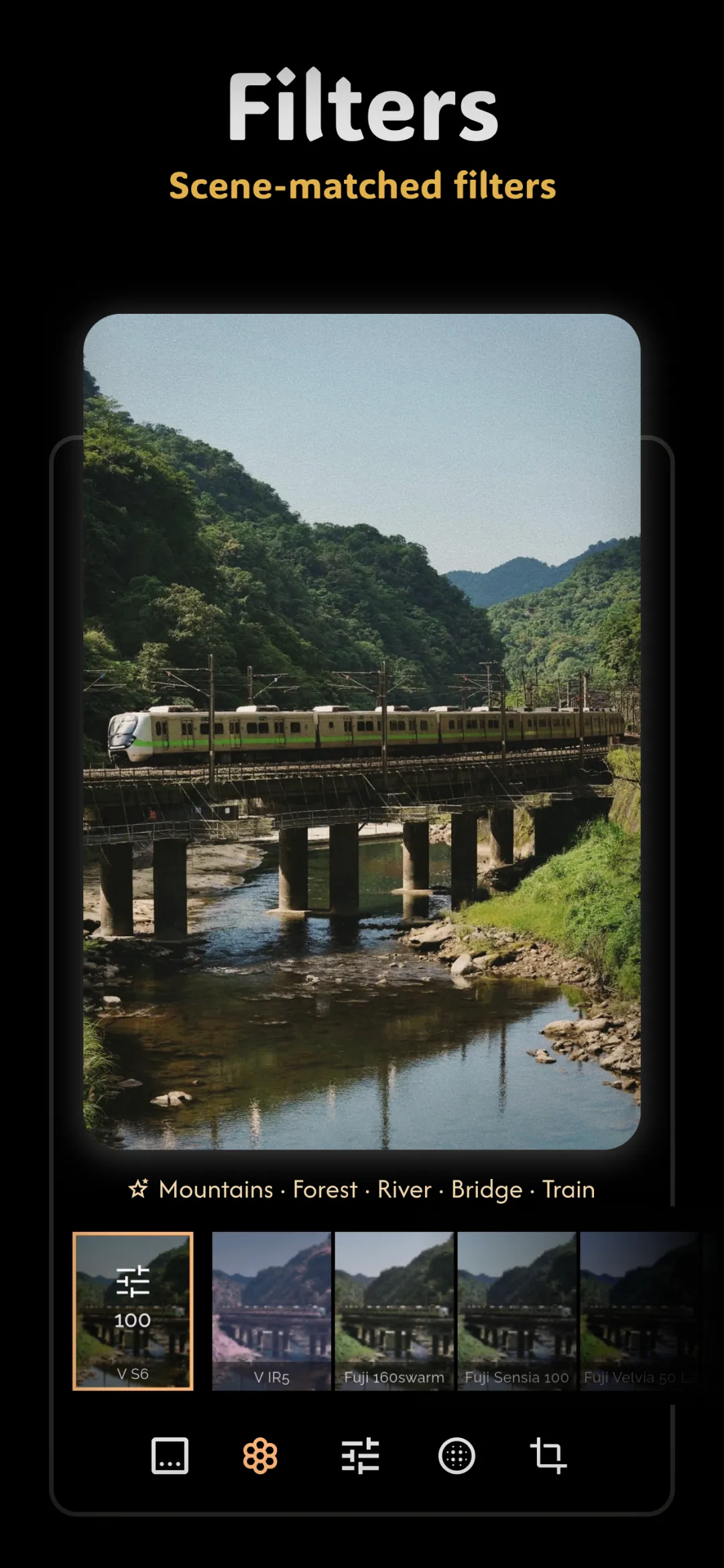
Open any photo app and you'll be offered filters, presets, and sometimes LUTs — often as if they were the same thing. They're not. Knowing the difference tells you which tool actually gives you a real film look you can control, and which one just paints over your photo. It's the natural next step after understanding what film presets are.
In one sentence: a filter is a fixed, one-tap effect you can't take apart. A preset is a saved recipe of real editing settings you can take apart and adjust. A LUT is a color lookup table — a mathematical map that turns every color into another color — used mostly in video and grading. All three change how a photo looks; only presets and LUTs are built from real color science, and only presets stay fully editable on your phone.
What a filter actually is
A classic filter is baked. Tap it and the app blends a pre-rendered look over your image at a fixed intensity. You usually get one slider — opacity — and nothing else. Because the adjustments are locked inside the effect, you can't see what it did, you can't fix the part you don't like, and stacking a filter on an already-compressed JPEG often crushes shadows and adds banding. Filters are fast and fun, but they treat every photo identically, which is why the same filter looks great on one shot and terrible on the next.
What a preset actually is
A preset is the opposite of baked. It's a stored set of the same sliders you'd move by hand — exposure, contrast, tone curves, HSL, white balance, grain — saved under a name. Applying a preset moves all of them at once to a known starting point. Crucially, every value is still sitting right there, so you can nudge exposure for a brighter scene, back off the contrast, or change the grain — and the preset bends to your photo instead of flattening it. A good film preset is really a professional's edit, packaged so you can start from their work and finish it yourself.
What a LUT actually is
A LUT (lookup table) is the color-grading world's version of a preset, borrowed from film and video. Instead of storing slider positions, it stores a direct map: “this exact input color becomes this exact output color,” for thousands of colors at once. That makes LUTs excellent at reproducing a specific color response — the reason they're the backbone of cinema grading, and why real film scans are often turned into LUTs. The trade-off: a LUT only remaps color. It carries no grain, no halation, no scene-adaptive logic, and once applied it's as hard to unpick as a filter unless your editor keeps it as an adjustable layer.
When to reach for each
- Filter — when you want a quick, disposable look for a story or casual post and don't plan to refine it.
- Preset — when you want a repeatable film look you can adapt shot to shot and keep tweaking. This is what most “film” editing actually wants.
- LUT — when you're matching a precise color response across many images, or bringing a cinema grade into your workflow.
Why “preset is not a destructive filter” matters
The whole point of a preset is that it's non-destructive: it changes how your photo is displayed, not the original pixels. You can dial its strength down, reset a single slider, or remove it entirely and your file is untouched. A destructive filter, by contrast, rewrites the pixels — try to undo it a week later and you can't. If you care about editing that survives second-guessing, that difference is everything.
Doing it in Fimii
Fimii's film looks are handcrafted presets, not flat filters. Each one is a set of real, adjustable settings — color wheels, per-channel curves, HSL, white balance, grain and halation — applied non-destructively on top of a true 16-bit develop, including straight from RAW. Because nothing is baked, you can install presets, apply one, then open any slider and refine it — or save your own. That's the difference between a look you're stuck with and a look you own.
Common mix-ups to avoid
- Assuming “preset” means “one tap and done.” The value is in adjusting it afterward — a preset is a starting point, not a verdict.
- Expecting a LUT to add grain or texture. It only moves color; film character comes from separate effects.
- Stacking heavy filters on JPEGs. That's where banding and crushed shadows come from — edit from RAW with adjustable presets instead.
In Fimii, every film look is an adjustable preset — never a baked-in filter — on true 16-bit RAW. Free to download, one-time unlock, no subscription.
Get Fimii — free to download