Home › Guides › How to install presets
How to Install Presets on iPhone & Android
Short answer: Installing a preset usually means downloading a file (a .DNG, .XMP, or .CUBE), unzipping it, and importing it through your editing app's own import button — not dropping it in a folder. In Fimii, the handcrafted presets are built in, so there's nothing to install; the ones you save appear in the same panel.
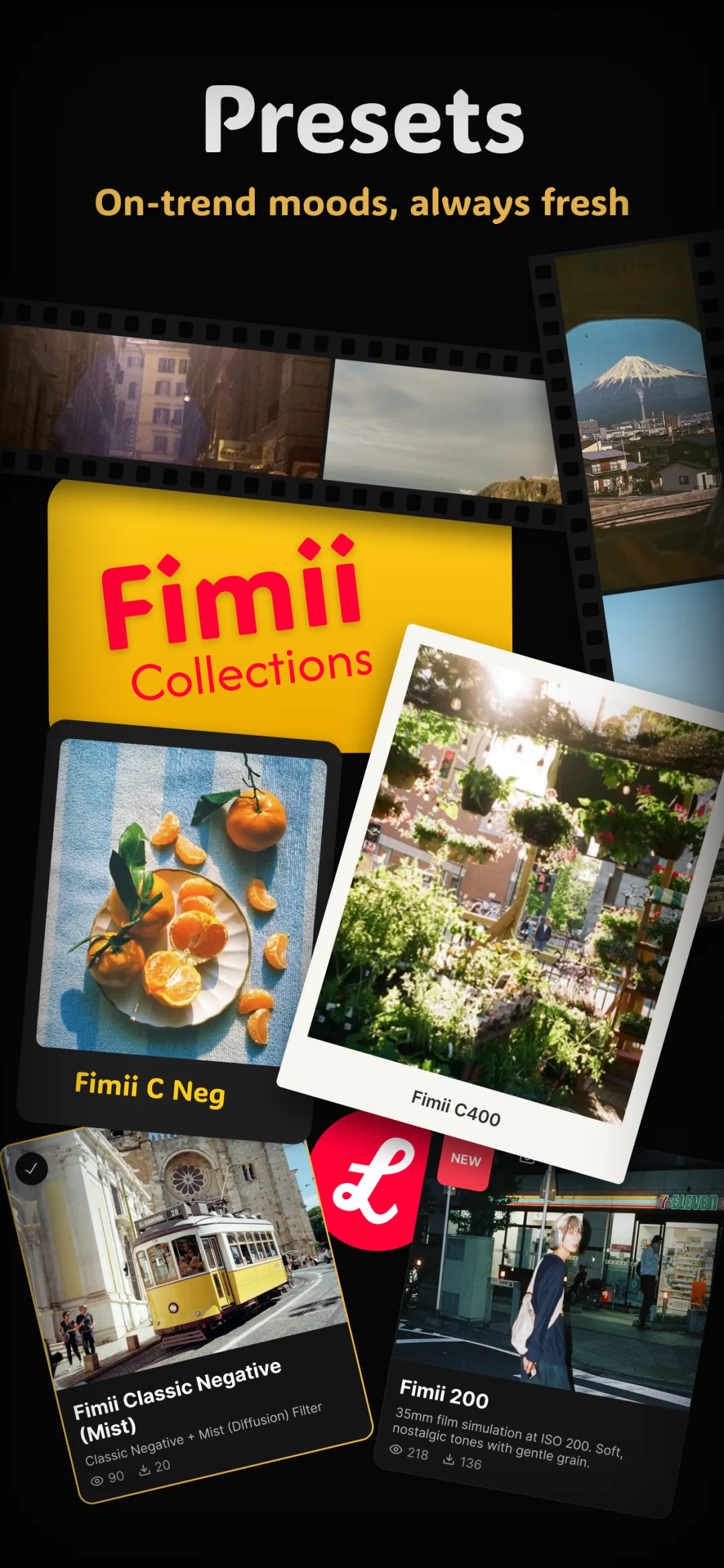
“Installing a preset” sounds technical, but it's usually just moving a small file into the right place — or, in a well-built app, not moving anything at all. Here's how presets actually get onto an iPhone or Android phone, the file types you'll meet, and where they live once they're in Fimii.
Two kinds of preset you'll run into
Before touching a single file, it helps to know that “preset” covers two very different things:
- Built-in presets — looks that ship inside an app. There's nothing to install; you open the app and they're already in the library, ready to tap.
- Importable presets — files someone else made (free or paid) that you add to an app that supports importing. This is the case that actually involves “installing.”
Knowing which kind you have saves a lot of confusion — most people trying to “install” a look really just need to open the right app.
Common preset file types
- .DNG — a RAW photo that carries an edit baked into its metadata. You import the DNG, then copy its settings onto your own photo. This is the classic mobile-Lightroom preset format.
- .XMP — a tiny sidecar file that stores only the edit settings, no image. Common in desktop and newer mobile workflows.
- .CUBE — a LUT, a color lookup table, used mostly for video and grading.
- App-native presets — some apps use their own format that only that app reads. These usually install with a single tap from a share link.
One rule saves a lot of grief: a preset only works in an app that speaks its format. A Lightroom DNG won't load into an app that expects its own presets, and a video LUT won't behave like a photo preset even if the app accepts the file. Match the file type to the app before you download or pay.
Installing presets on iPhone
The general flow on iOS looks like this:
- Download the preset file (often a .zip) from wherever you bought or got it — it lands in the Files app.
- Unzip it by tapping it in Files; you'll see the .DNG or .XMP files inside.
- Open your editing app and use its Import or Add preset option, then point it at those files.
- For DNG presets, import the DNG into your photo library first, then bring it into the app and save its settings as a reusable preset.
iOS sandboxes apps, so you almost always import through the app's own import button rather than dropping files into a folder.
Installing presets on Android
Android is similar, but gives you more direct file access:
- Download and, if needed, unzip the preset with your file manager.
- Note the folder it landed in (often Downloads).
- In your editing app, choose Import preset and browse to that folder.
- Grant the app storage permission the first time so it can read the files.
The file types are identical across platforms — a .DNG or .XMP behaves the same on both — so a preset pack you buy will usually include steps for each.
Where presets live in Fimii
Fimii keeps this simple: its handcrafted film looks are built in, so there's nothing to download or install to start using them. Open the presets panel and the full library is already there — tap one to apply it, and because it's a real set of adjustable settings, you can immediately fine-tune it instead of being stuck with it.
The presets you create live in the same panel. When you save your own preset from a photo you've graded, it's stored right alongside the built-in looks, ready to reuse on any future shot. So in Fimii, “installing a preset” mostly means “saving the look you just built.”
Troubleshooting and common mistakes
- Nothing happens when you tap the file. You probably need to import through the app, not open the file directly.
- The preset looks wrong on your photo. That's normal — presets are starting points. Match exposure and white balance to your shot, or dial the strength down.
- You forgot to unzip. Most packs arrive as a .zip; the app can't read presets still inside it.
- Paying for a pack you can't use. Before buying, check the format matches your app — see free vs paid presets to decide what's worth it.
Fimii's handcrafted film presets are built in — nothing to install — and every one is fully adjustable. Free to download, one-time unlock, no subscription.
Get Fimii — free to download