Home › Guides › What is halation
What Is Halation?
Short answer: halation is the soft red-orange glow that film leaves around very bright highlights — a streetlight, a window, the sun in the trees. It happens because light passes through the emulsion, bounces off the back of the film, and re-exposes the red-sensitive layer. Added lightly, it's one of the most cinematic film effects you can use.
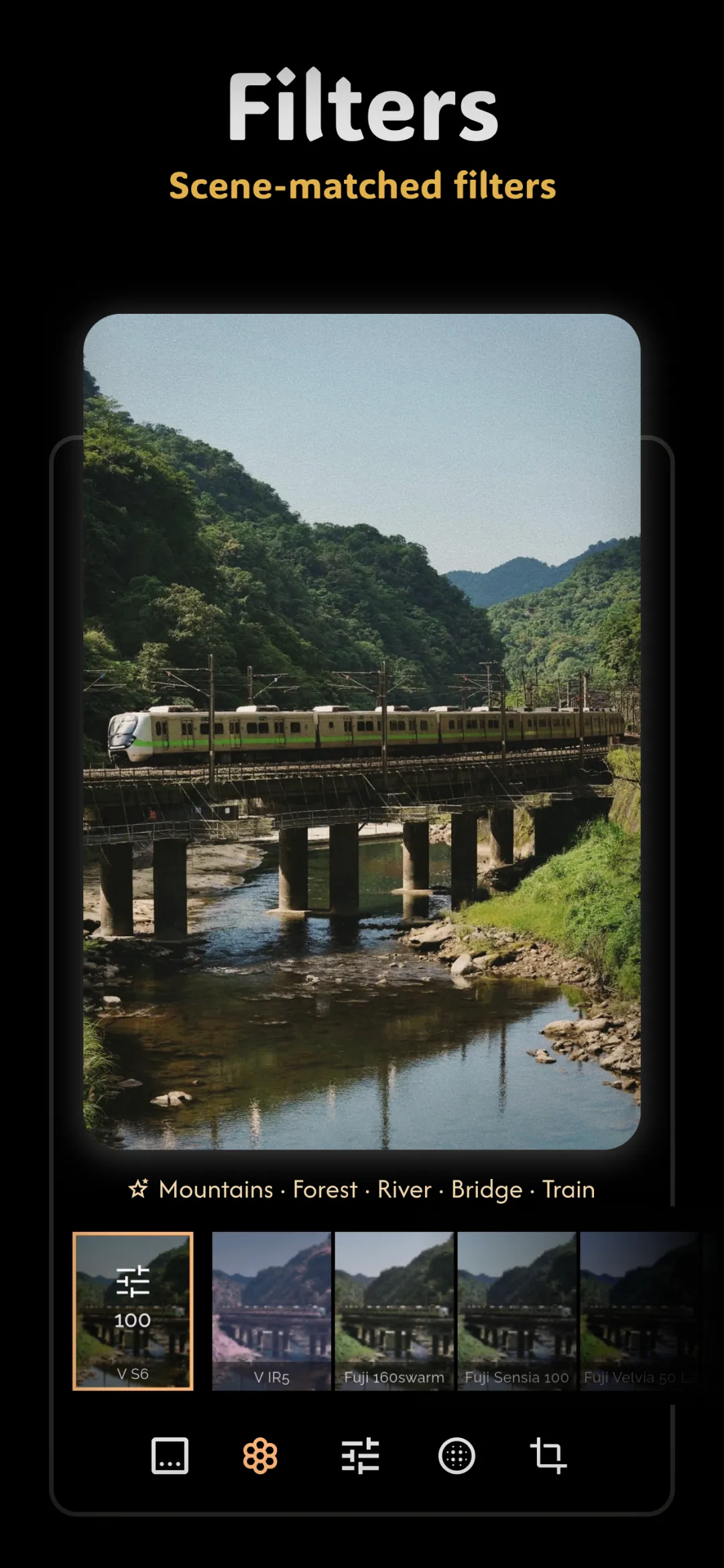
If you've ever looked at a film still and felt a warm bloom hugging the bright lights — the neon sign softly bleeding red at its edges — you were looking at halation. It's a small effect with an outsized emotional payoff, and it's a signature part of the analog film effects toolkit.
Where halation actually comes from
On film, light doesn't just stop at the light-sensitive layer. When a highlight is bright enough, the light passes all the way through the emulsion, hits the shiny film base behind it, and reflects back — re-exposing the layers a second time, slightly out of register. Because the red-sensitive layer sits deepest, that reflected light glows warmest, which is why halation reads as red-orange rather than white.
Most film has an anti-halation backing to suppress this. The reason certain stocks are famous for glow — CineStill 800T being the classic example — is that the backing was removed, so highlights bloom freely. That's exactly the effect behind the CineStill 800T look.
Why it reads as cinematic
Digital sensors clip highlights hard: a bright light just becomes a flat white blob with a razor edge. Halation softens that edge and lets the light "breathe" into the surrounding tones. Our eyes associate that gentle bloom with real, physical light — candles, headlights, the sun — so a photo with tasteful halation feels warmer, more atmospheric, and more like a memory than a snapshot. It's a big reason the cinematic photo look feels the way it does.
Adding it tastefully
The whole art of halation is restraint. It should look like a property of the light, not a filter you slapped on. A few rules keep it believable:
- Only the brightest highlights. Halation belongs around specular points — lights, reflections, the sun, bright windows — not evenly across the frame.
- Keep the color warm. Red-orange is the signature. A cool or magenta glow instantly looks wrong.
- Keep the radius tight. A small, soft bloom hugging the highlight reads as film; a huge halo reads as a cheap glow filter.
- Low intensity. You should feel it before you can point to it.
Halation loves company. Layer it under a touch of film grain and the two together sell the analog illusion far better than either does alone.
When halation helps — and when it doesn't
It shines in night scenes, backlit portraits, golden-hour frames, and anything with punchy point-source lights. It does very little for flat, evenly-lit images with no strong highlights — there's simply nothing for the glow to grab onto. If your photo has no bright speculars, adding halation just muddies the highlights instead of enhancing them.
Doing it in Fimii
Fimii includes halation as a dedicated film effect with adjustable strength, so you can target that red-orange bloom around highlights without touching the rest of the image. Because Fimii works in true 16-bit — including on developed RAW files — the glow blends into your highlights smoothly instead of banding against a clipped white. It's non-destructive, so you can push the effect, judge it against the original, and ease it back with a tap.
Mistakes to avoid
- Too much bloom. A strong halo screams "effect." Dial it down until it's almost subliminal.
- Glow on everything. Halation only belongs on the brightest points, not the whole picture.
- The wrong color. Keep it red-orange; a white or blue glow doesn't read as film.
- Forcing it onto flat light. No strong highlights means no reason for halation.
Fimii adds true-to-film halation on 16-bit RAW — a warm glow that hugs highlights without banding. Free to download, one-time unlock, no subscription.
Get Fimii — free to download