Home › Guides › VHS retro camcorder effect
How to Get the VHS / Retro Camcorder Look
Short answer: the VHS look is built from a few real artifacts — scanlines, chroma bleed (color smearing sideways), soft focus, and tracking noise. Combine them lightly, keep the colors slightly desaturated and warm, and resist maxing every slider. It's one of the boldest film effects — great for the right photo, cheesy when overdone.
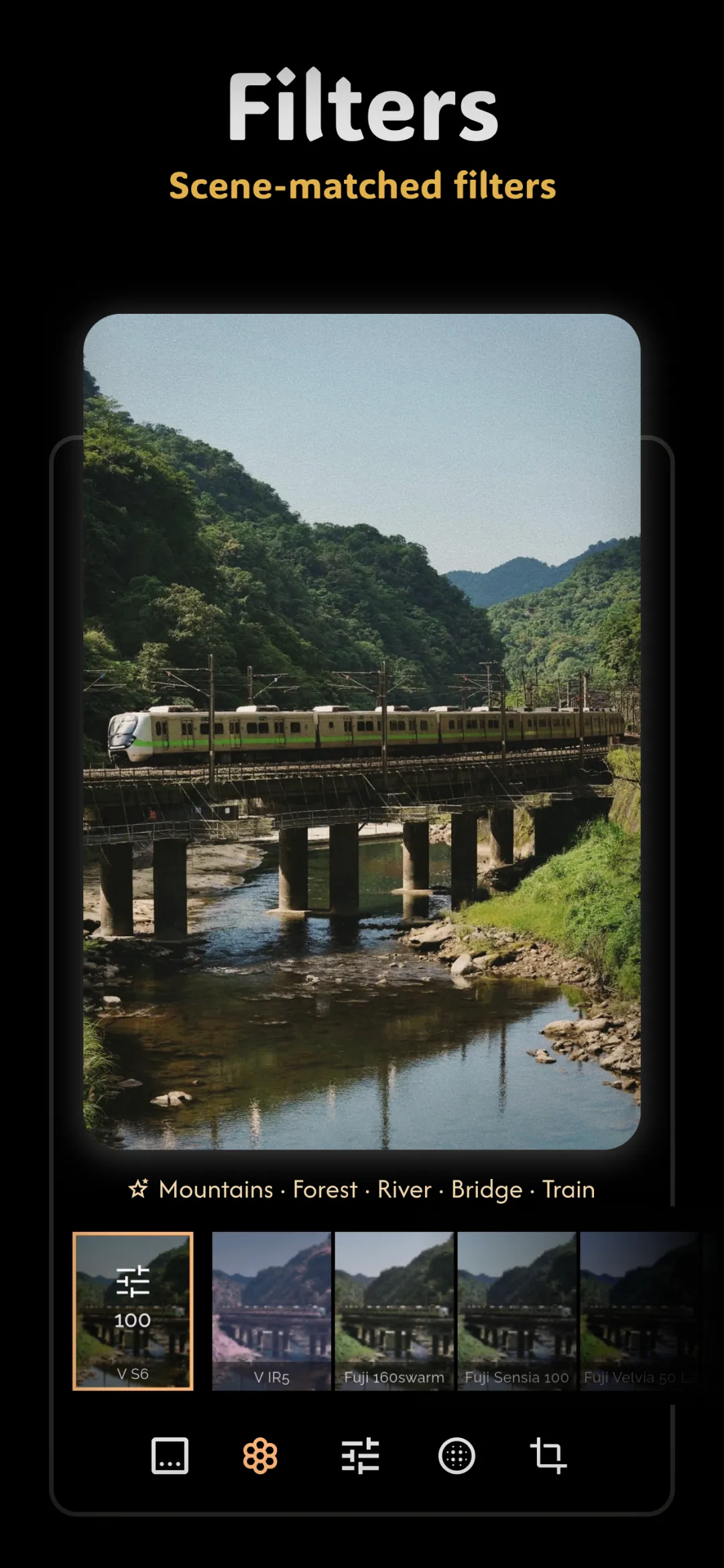
The VHS and camcorder aesthetic isn't film at all — it's analog video — but it lives in the same nostalgia family as the other film effects, and it's having a huge moment. Getting it right means understanding the handful of real artifacts that made old tapes look the way they did, then using them with a light hand.
The ingredients of the VHS look
- Scanlines: the faint horizontal lines from an interlaced CRT display. Subtle is key — they should texture the image, not stripe it.
- Chroma bleed: the signature VHS tell. Color information had far less resolution than brightness, so reds and blues smear sideways past their edges. A neon sign or a red shirt bleeds a little into the space beside it.
- Soft focus: tape was never sharp. A gentle loss of fine detail sells the format instantly.
- Tracking noise: the horizontal band of static and warping that rolled up the screen when the tape mistracked. A hint reads as authentic; a screenful reads as a broken GIF.
- Color shift: slightly desaturated, a touch warm or green, with crushed-but-noisy shadows.
Keeping it from looking cheap
The difference between a stylish VHS edit and a tacky one is restraint and combination. Any single artifact cranked to maximum looks like a novelty filter. The magic is layering several of them gently so they reinforce each other — a little scanline, a little chroma bleed, a little softness — the way a real tape stacked all its flaws at once. Overdo tracking noise in particular and the image just looks damaged rather than nostalgic.
Think about content, too. The VHS look suits home-movie subjects: candid people, house interiors, night-outs, anything that could plausibly have been shot on a camcorder in the late 80s or 90s. It shares that found-footage, off-the-cuff charm with the disposable camera look and the faded palette of the vintage retro photo look.
A date stamp completes it
Nothing anchors a VHS or camcorder frame in time like a glowing timestamp in the corner. If you're going for the full home-video feel, add a date stamp in that orange seven-segment style — it's the exclamation point on the whole effect.
Doing it in Fimii
Fimii includes a VHS / retro effect with adjustable strength, so you can dial the scanlines, bleed, and softness rather than accepting one fixed preset. Because Fimii develops in true 16-bit — including from RAW files — the color shifts and soft gradients stay smooth instead of banding, and everything is non-destructive, so you can push the look, compare it to the clean original, and pull it back with a tap.
Mistakes to avoid
- Every slider maxed. Combine artifacts gently; don't stack them all at full strength.
- Heavy tracking noise everywhere. A hint is nostalgic; a screenful looks broken.
- Hard, obvious scanlines. They should be felt as texture, not seen as stripes.
- Wrong subject. A crisp, modern studio shot fights the VHS look. Save it for home-movie energy.
Fimii's VHS / retro effect layers scanlines, chroma bleed and softness on true 16-bit RAW — nostalgic, not cheap. Free to download, one-time unlock, no subscription.
Get Fimii — free to download