Home › Guides › Shoot like 35mm
Shoot Your Phone Like a 35mm Film Camera
Short answer: Pick one focal length and stick to it, shoot flat and in RAW, embrace a 3:2 crop, slow down and shoot less, then grade toward a real film stock. It's less about a filter and more about adopting the constraints that gave 35mm its look.
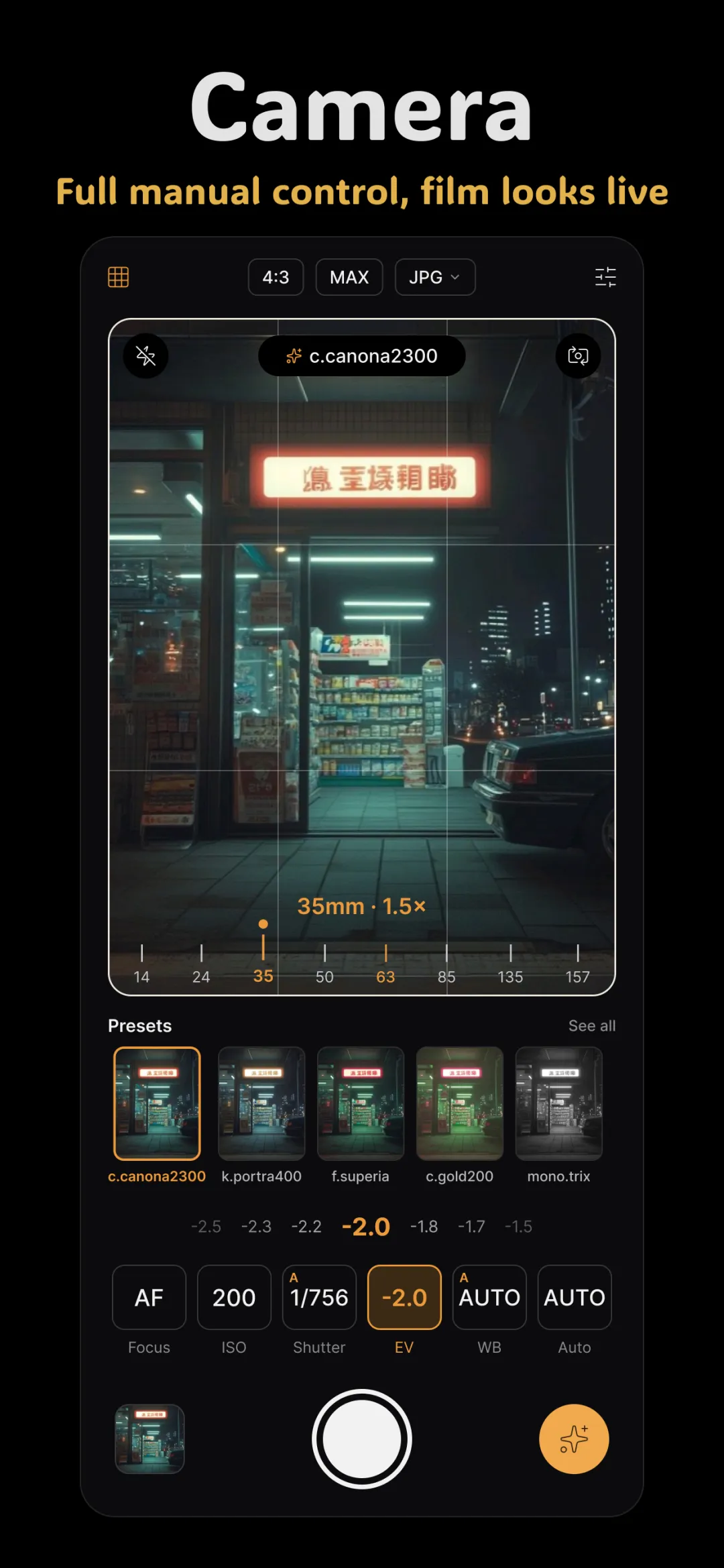
A 35mm film camera isn't magic — it's a set of constraints. One lens, a fixed roll of film, 36 frames, no chimping. Those limits shaped how photographers saw and how the pictures looked. Recreate the constraints on your phone and the film feeling follows. It builds directly on using a manual camera app for film-style photos.
Commit to one focal length
Film shooters famously worked a single prime lens — often a 35mm or 50mm — for years, and it trained their eye. Do the same:
- Use your phone's main (1x) lens, which is closest to a classic 35mm-ish field of view and has the best sensor.
- Avoid the ultra-wide. Its stretched perspective instantly screams "phone," not film.
- To get closer, move your feet instead of pinching to zoom — digital zoom just crops and softens.
Working one focal length teaches you to compose with your position, exactly the way a prime lens does.
Shoot flat and shoot RAW
Film has a wide, gentle response to light and no baked-in contrast. Your phone's auto JPEG is the opposite — crunchy and punchy. Shoot RAW and expose a little flat so you keep that soft, latitude-rich starting point, then build the look afterwards. This is the same discipline as learning to shoot photos that edit well.
Frame for 3:2
35mm film has a native 3:2 aspect ratio — a little less wide than your phone's default 4:3, and instantly more "photographic." Frame with a 3:2 crop in mind, leaving room at the edges. That single ratio change does a surprising amount of work in selling the film feeling.
Slow down and shoot less
A roll gave you 36 frames, so every shot counted. Adopting that mindset improves your hit rate enormously:
- Before you press the shutter, ask what the picture is about.
- Wait for the light and the moment instead of spraying frames.
- Resist reviewing every shot immediately — stay in the scene.
Shooting deliberately is the least technical tip here and often the most transformative.
Grade toward a real film stock
Once you've captured like a film shooter, finish like one. Instead of a random filter, grade toward an actual film stock's character — soft skin tones, gentle contrast, a specific color bias. Kodak Portra 400 is the classic starting point for people and warm tones; see the Kodak Portra 400 look. Then add a touch of real film grain to complete the illusion — grain is the texture your clean phone sensor is missing.
Doing it in Fimii
Fimii lets you shoot RAW on your main lens in its manual camera, then develop in true 16-bit and apply a handcrafted film-stock preset — Portra-style and beyond — with adjustable strength. Add grain and halation for authentic texture, crop to 3:2, and you've reproduced the whole 35mm pipeline: constrained capture, film-accurate color, real grain, all non-destructive so you can keep experimenting.
Common mistakes to avoid
- Reaching for the ultra-wide. Its perspective reads as "phone" every time.
- Digital zoom. Move closer instead of cropping in-camera.
- Over-grainy edits. Real 35mm grain is present but fine — don't drown the photo in it.
- One-tap filters. A slapped-on filter fights the photo; a film-stock grade works with it.
Fimii pairs a manual RAW camera with handcrafted film-stock presets and real grain, so your phone can genuinely shoot and finish like 35mm. Free to download, one-time unlock, no subscription.
Get Fimii — free to download