Home › Guides › Lightroom alternatives, no subscription
Best Lightroom Alternatives Without a Subscription
Short answer: Lightroom is excellent, but its full mobile power and cloud features are tied to a monthly subscription. If you'd rather pay once, look for an editor with real RAW support and proper color tools. Fimii is one option: true 16-bit RAW, pro grading, film presets — free to download with a one-time unlock, no subscription. Here's how to compare fairly.
Lightroom set the standard for RAW editing, and its mobile app is genuinely powerful. The sticking point for a lot of people is the model: to unlock the full toolset and cloud sync, you're on a recurring plan. If you shoot casually or just resent paying rent for software, a one-time-purchase alternative can make more sense. This is a fair look at what to weigh — not a claim that Lightroom is bad.
What you're really paying for with Lightroom
Before switching, it's worth being honest about what the subscription buys, so you know what you might give up.
- Cloud sync across desktop, mobile and web.
- A mature RAW pipeline with masking, healing and deep color tools.
- Ecosystem — presets, tutorials and integration with other Adobe apps.
If you lean on cloud sync across many devices, that's genuinely hard to replace. If you mostly edit on your phone and export, you may be paying monthly for features you never touch.
What to look for in a no-subscription alternative
"Cheaper" isn't the same as "good." A worthy Lightroom alternative needs to hold up on the fundamentals.
- Real RAW, not just JPEG filters. The whole point of Lightroom is the RAW file — see developing RAW on your phone. An alternative that only edits JPEG isn't really competing.
- Bit depth. True 16-bit processing is what keeps skies smooth and skin clean when you push color; 8-bit editors band.
- Proper color tools. Curves, HSL, white balance and color wheels for real color grading on your phone, not just sliders.
- Non-destructive editing so you can always get back to the original.
- A genuine one-time price — watch for "buy once" apps that still upsell subscriptions for the good stuff.
The types of alternatives out there
No-subscription editors come in a few flavors. Rather than a leaderboard that dates quickly, match the type to how you shoot.
- Free all-rounders. Capable and free, but often JPEG-focused with no film aesthetic and limited RAW depth.
- One-time-purchase pro editors. Strong RAW tools you buy once; some still gate extras behind add-ons.
- Film-first editors with RAW. The niche where you get a film look and a real develop pipeline together. Fimii sits here.
Where Fimii fits
Fimii isn't a Lightroom clone — it's a film-focused editor and camera that happens to solve the same "I want to pay once" problem, with a real RAW engine underneath.
- True 16-bit RAW develop for ProRAW/DNG, plus Canon, Sony, Fujifilm and Nikon RAW.
- Pro grading: color wheels (lift/gamma/gain), HSL, RGB and per-channel curves, white balance.
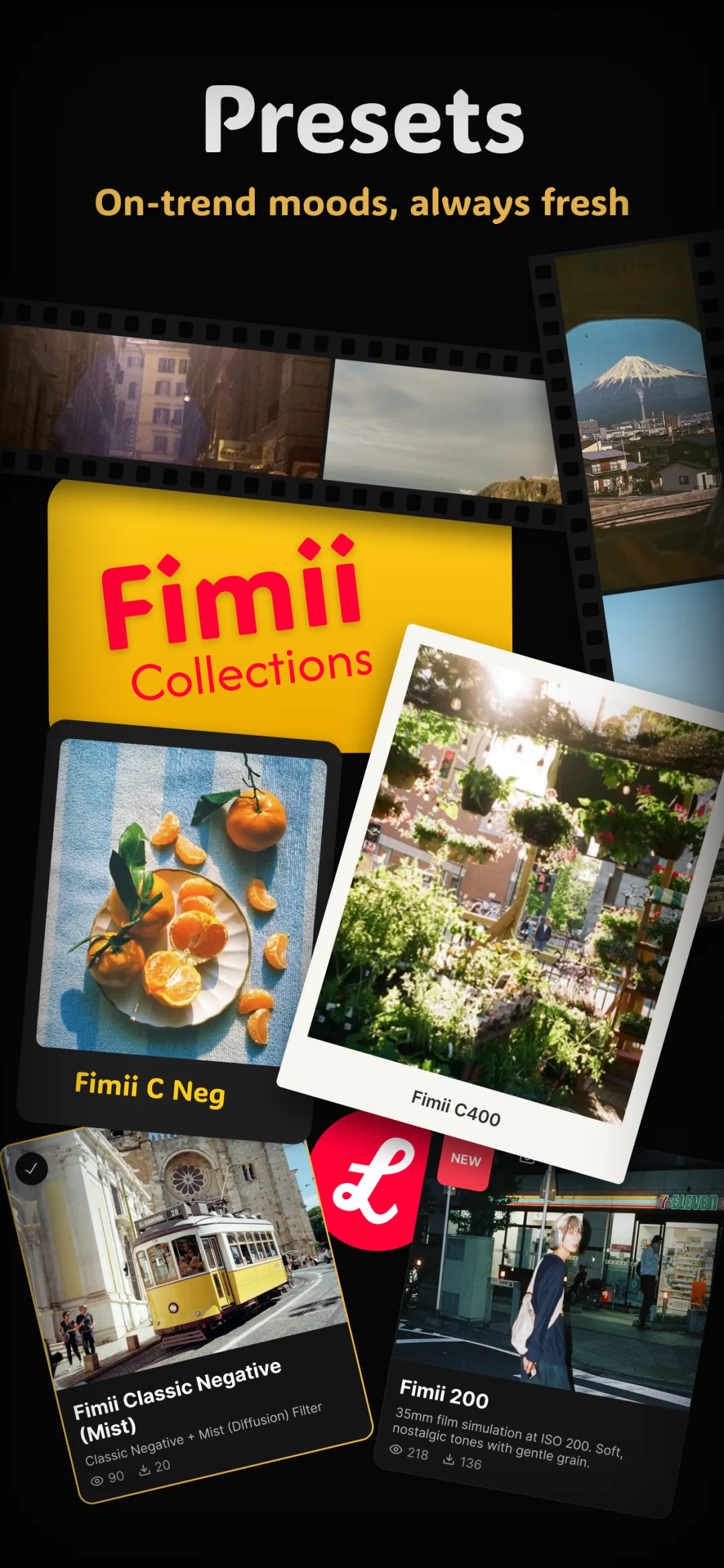
- Handcrafted film presets with adjustable strength, plus grain, halation and light leaks Lightroom doesn't ship natively.
- One-time unlock, free to download, no subscription — the core reason people look for a Lightroom alternative.
For a direct feature comparison, see Fimii vs Lightroom.
Doing it in Fimii
Import a RAW file (ProRAW or DNG) and Fimii develops it in true 16-bit, so recovering a blown sky or lifting shadows stays clean and band-free. Set white balance, shape contrast with the tone curve, refine skin with HSL, and push a mood with the color wheels — the same grading moves you'd make in Lightroom. Add a film preset on top and dial its strength back for a finished look. Everything is non-destructive, and one unlock keeps the whole toolset with no monthly bill.
Mistakes to avoid
- Switching for price alone. If you truly rely on cross-device cloud sync, price out that loss before you leave Lightroom.
- Assuming "one-time" means everything's included. Some apps sell the base cheap and upsell the tools you actually need.
- Choosing a JPEG-only app. Without real 16-bit RAW, you lose the exact latitude that made Lightroom worth it.
- Over-editing because you can. Powerful tools tempt heavy hands — keep skin and skies natural.
Want Lightroom-grade RAW and color without the monthly bill? Fimii gives you true 16-bit RAW, pro grading and film presets — free to download, one-time unlock, no subscription.
Get Fimii — free to download