Home › Guides › Fimii vs disposable cam apps
Fimii vs Dazz, Huji & 1888
Short answer: Disposable-cam apps like Dazz Cam, Huji and 1888 are brilliant for instant, one-tap nostalgia in the moment. Reach for them when you want fun fast. Reach for Fimii when you want that same look but with real control, true 16-bit RAW, and no subscription — a look you can dial in and keep, not one baked into a small JPEG.
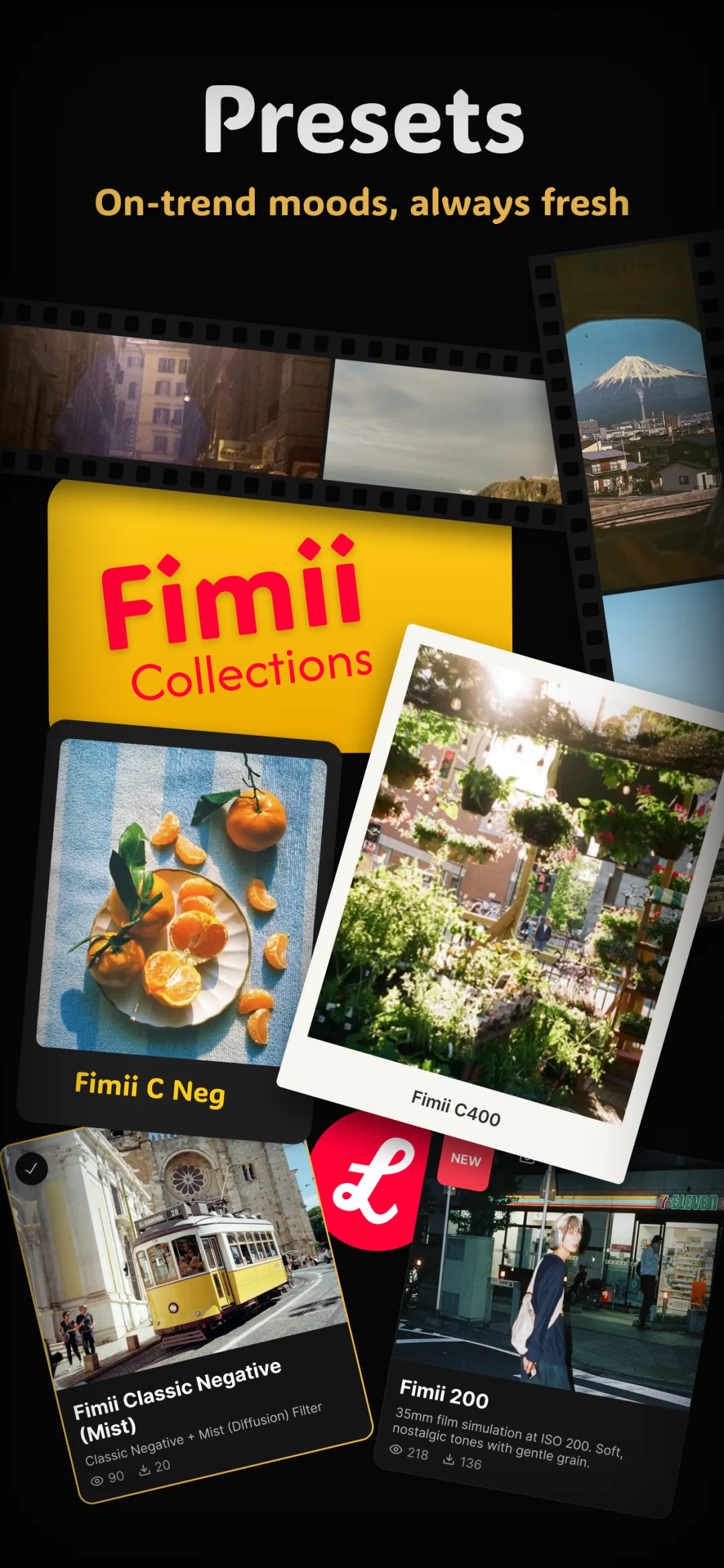
Disposable-camera apps kicked off a whole aesthetic: the flash-lit, slightly-off-color, date-stamped photo that feels like a memory more than a picture. Dazz Cam, Huji and 1888 all do it well. So the real question isn't which is "best" — it's what job you're hiring an app to do. This guide is a fair look at where each fits, and where a full editor like Fimii takes over.
What disposable-cam apps do brilliantly
Dazz, Huji and 1888 are built around speed and vibe. You open the app, you get a viewfinder that already looks analog, and one tap gives you a finished shot. That's their superpower, and it's a real one.
- Instant gratification. No editing step. The look is applied as you shoot, which is perfect for parties, trips and nights out.
- Built-in vibe. Light leaks, halation, heavy flash, a date stamp in the corner — the whole disposable package, on by default.
- Fun constraints. Some even hide your photos for a few hours to mimic "developing," which people genuinely enjoy.
- Social-first. The output is sized and styled for sharing straight away.
If your goal is to capture a moment and post it, these apps are hard to beat. There's a reason the disposable-camera look became a defining social aesthetic.
Where they hit their limits
The same design choices that make disposable apps fast also cap what you can do with the result. This isn't a knock — it's just the trade-off of a one-tap tool.
- The look is baked in. The grain, color shift and leaks are burned into a finished JPEG. If the leak lands on someone's face or the flash blows out the shot, there's little you can undo.
- No real RAW. You're editing a compressed 8-bit file, so pushing color or recovering a bright sky tends to band and fall apart.
- Limited control. You mostly pick a preset and shoot. Fine adjustment — curves, HSL, white balance — usually isn't the point.
- Recurring costs. Several lock their full pack or watermark-free export behind a subscription, which adds up over a year.
Where Fimii fits
Fimii overlaps with these apps on the look but comes at it from the other direction: it's a full editor and camera, not a one-tap toy. You still get the nostalgic disposable feel, but every part of it is yours to shape.
- The same vibe, adjustable. Handcrafted film presets with a strength/fade slider, plus real grain, halation, light leaks, film borders and a date stamp you place — not one that's forced on.
- True 16-bit RAW. Develop ProRAW/DNG non-destructively, so you can rescue highlights and push color without banding.
- Pro grading. Color wheels, HSL, RGB and per-channel curves, and white balance when you want to go past the preset.
- Honest pricing. Free to download, one-time unlock, no subscription.
A simple way to choose
You don't have to pick a side — most people keep a disposable app for nights out and a real editor for the shots they care about.
- Shooting a party, want it posted in seconds? Dazz, Huji or 1888.
- Got a shot you love and want to finish it properly? Fimii.
- Shooting RAW, or a portrait where skin tones matter? Fimii, every time — the 8-bit disposable pipeline can't hold up there.
- Tired of paying monthly for filters? Fimii's one-time unlock ends that.
If you want a deeper feature-by-feature breakdown against one of these specifically, see Fimii vs Dazz Cam.
Doing it in Fimii
To get the disposable feel in Fimii, start from a film preset, then add halation and a light leak and dial each back with the strength slider until it reads real rather than gimmicky. Drop a date stamp in the corner if you want the full nostalgia. Because everything runs on a 16-bit, non-destructive pipeline, you can shoot or import RAW, place the flash-y contrast exactly where it flatters the face, and reset any single effect with a tap. It's the disposable look — but you're the one developing it.
Mistakes to avoid
- Judging by the viewfinder alone. A one-tap app looks great until the leak covers a face. If a shot matters, finish it in an editor.
- Stacking every effect at full strength. Real film is subtle. Pull grain, halation and leaks back — the fade slider is there for a reason.
- Paying twice. If you're already subscribed to a disposable app, ask whether a one-time unlock covers the same ground for less over time.
Want the disposable look with real control and no monthly fee? Fimii gives you handcrafted presets, film effects and 16-bit RAW — free to download, one-time unlock, no subscription.
Get Fimii — free to download